 FW Real Estate Live Demo
Not every visitor arrives through your search page. Some land on a piece about a neighbourhood, a page about new-build apartments, or a campaign page you built for one development. This block puts the matching properties right there, on that page, so the interest you worked for turns into an enquiry instead of a back button.
A simple list
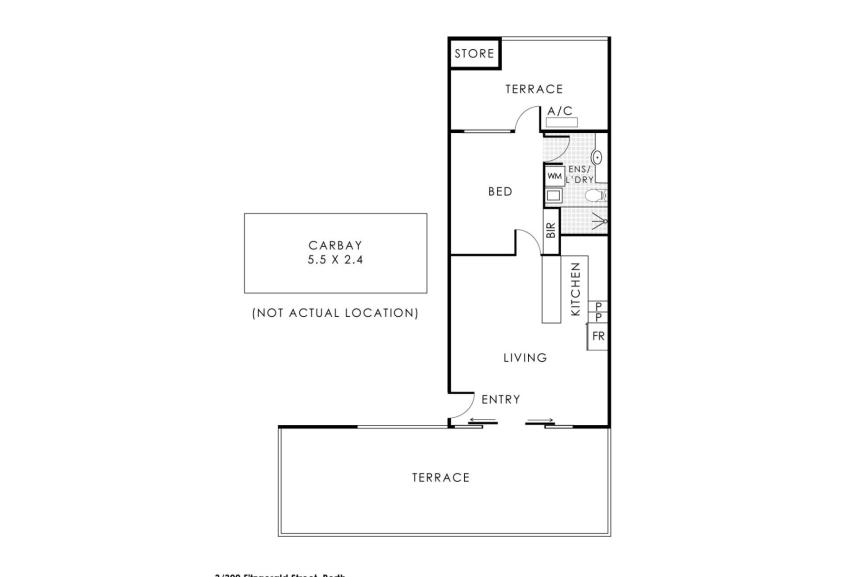
Cover photo, price, address and the key numbers, one property per row. This is the shape that works when the listings sit alongside text and should not shout over it.
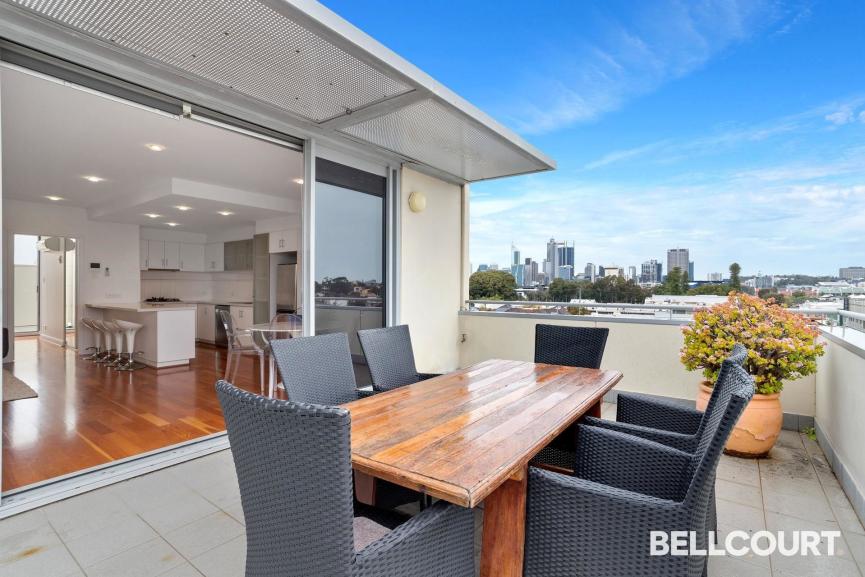

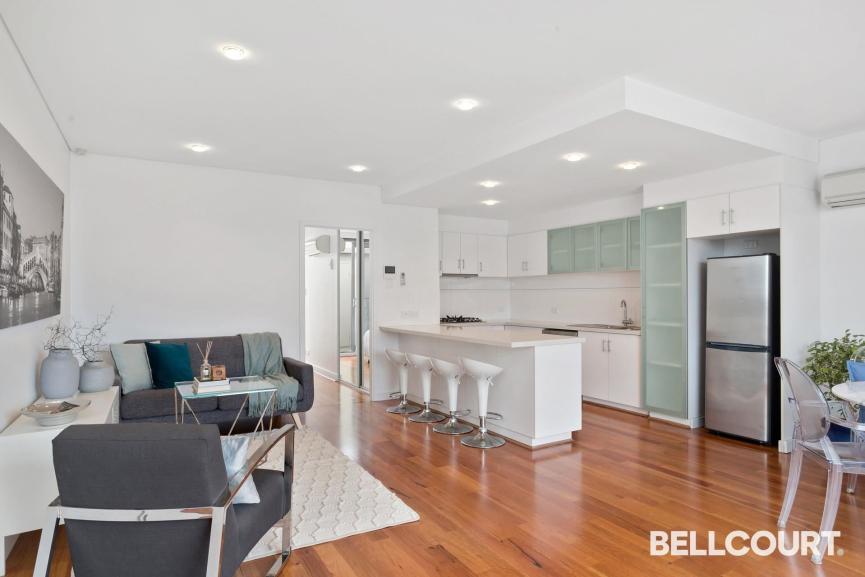
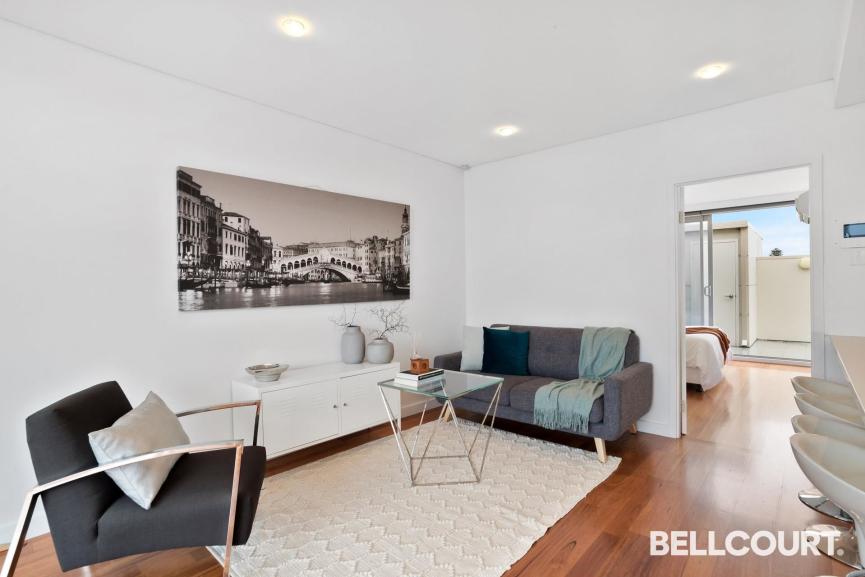
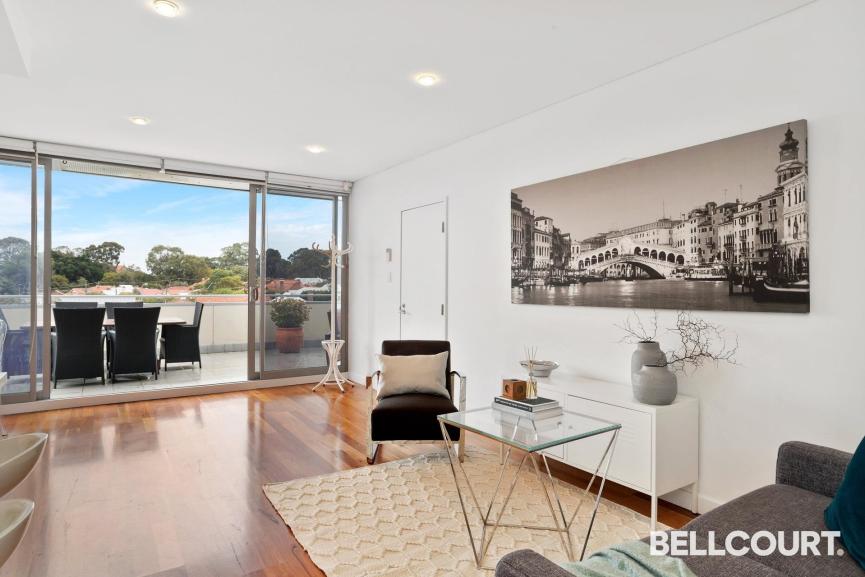






A grid of cards
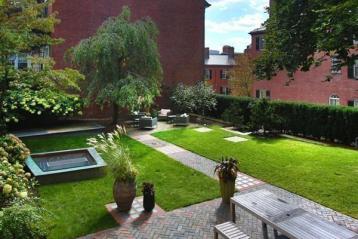
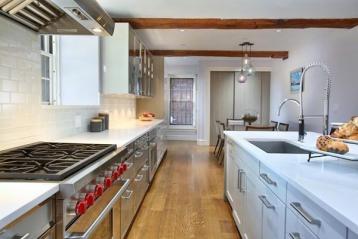
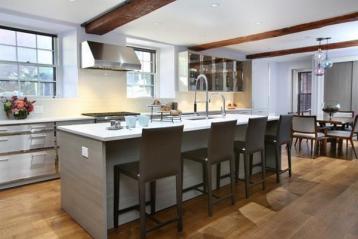
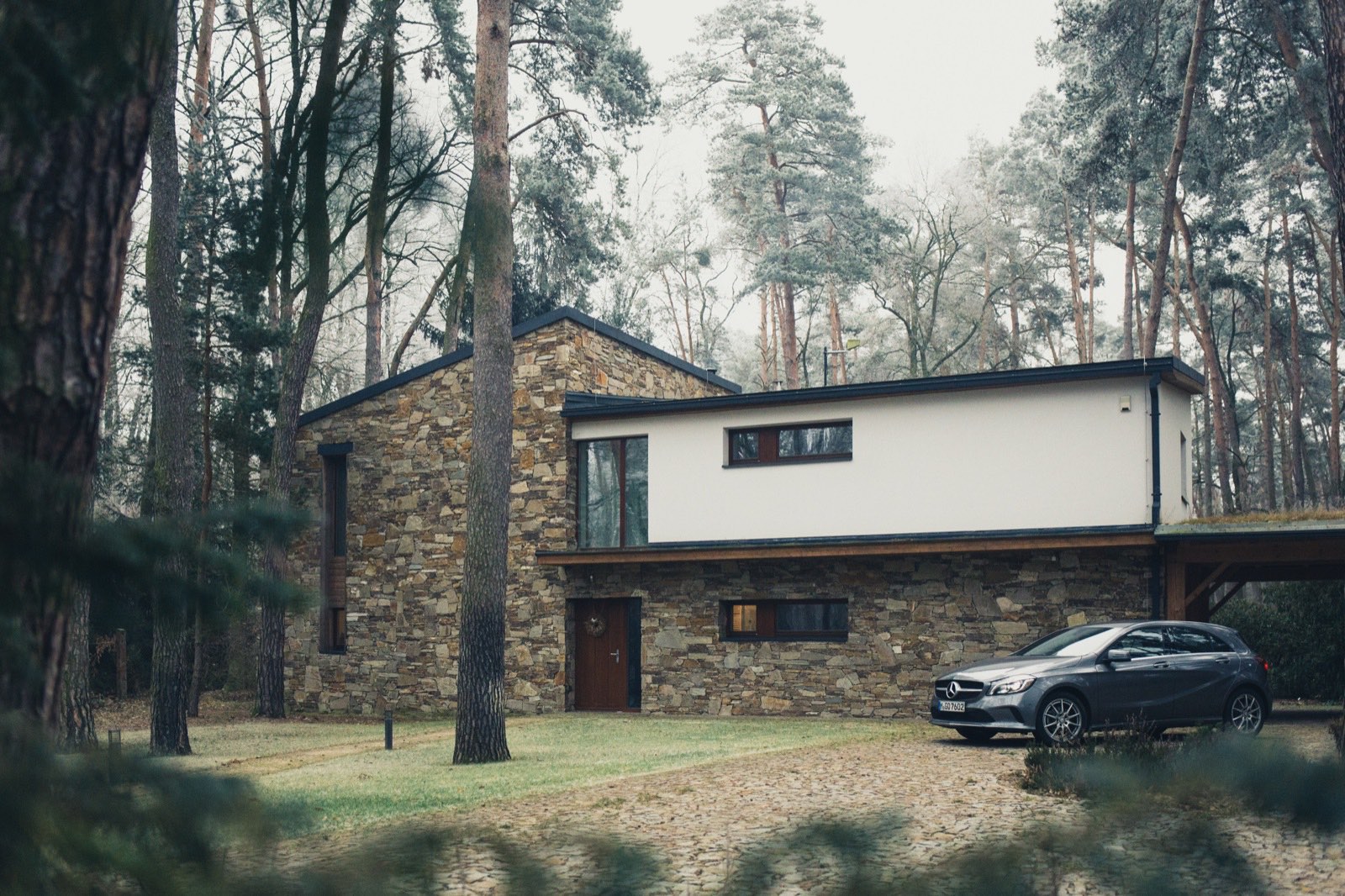
The same properties as cards. Use it where the listings are the point of the page rather than a footnote to it -- a development page, a "just listed" page, the bottom of your home page.
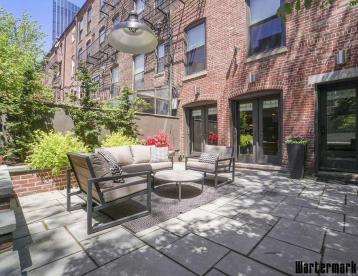
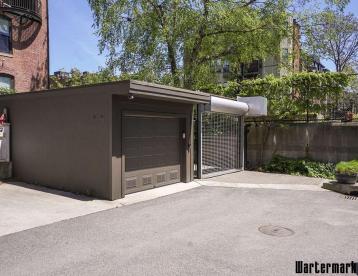
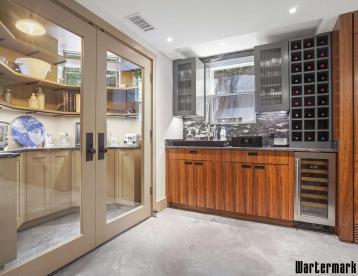
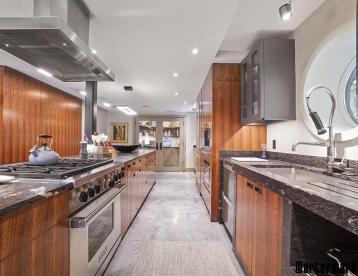



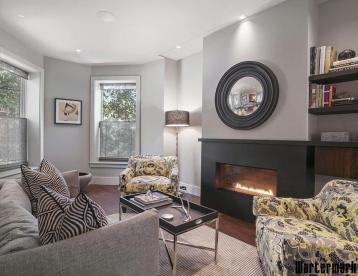
Show only what belongs on the page
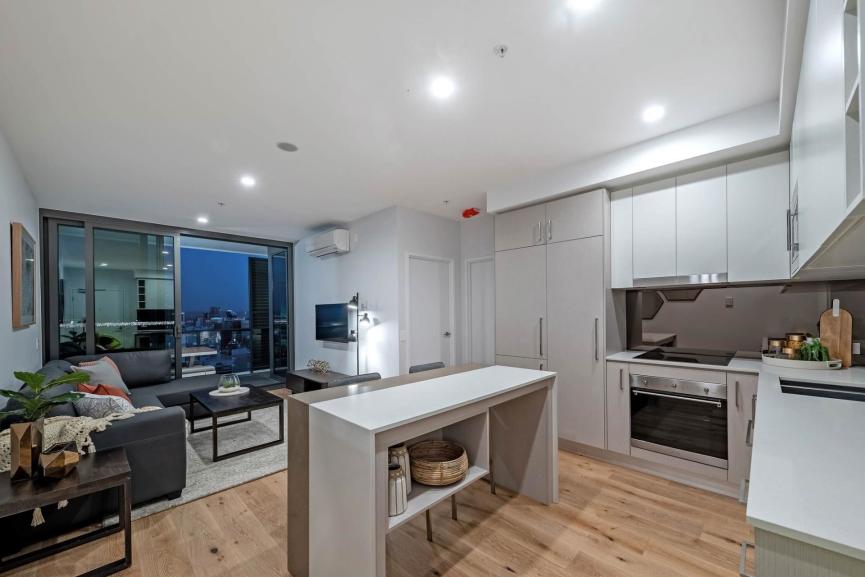
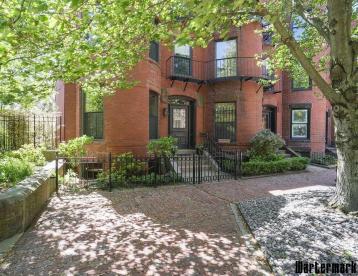
Each block is filtered before it ever appears: by city, category, type, price, or the featured flag. A page about waterfront apartments shows waterfront apartments -- and keeps doing so as your stock changes, with nothing to update by hand.